Science Scribbler: Correct Mito: current model tutorial
# Identifying mitochondria within synaptic boutons

The light purple outlines mark the synaptic boutons. Identify every mitochondrion within those outlined regions. Do not outline mitochondria outside them.

## How do we identify mitochondria?  ##

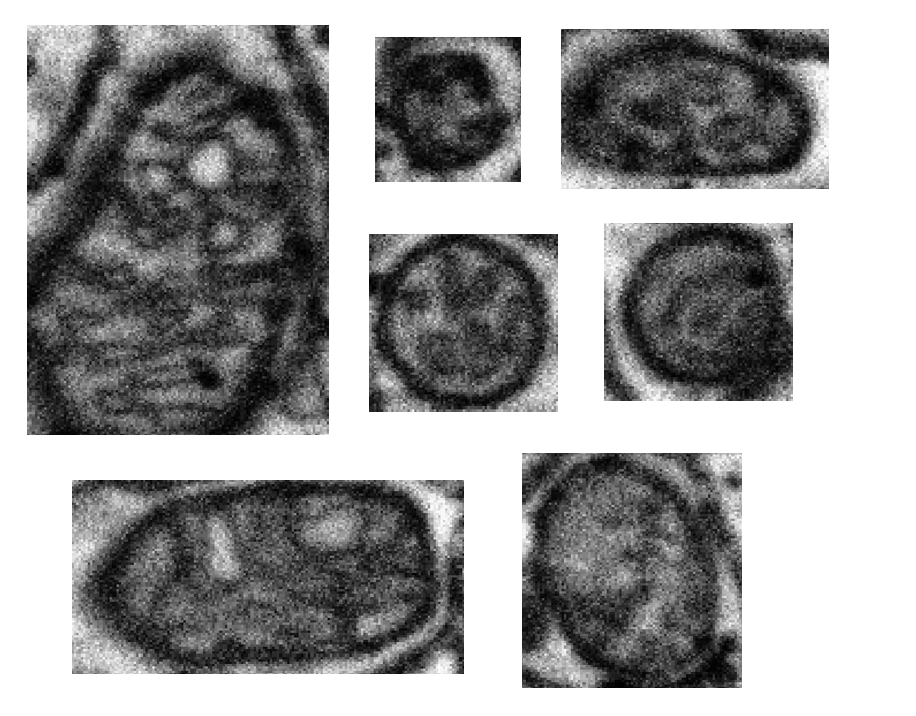
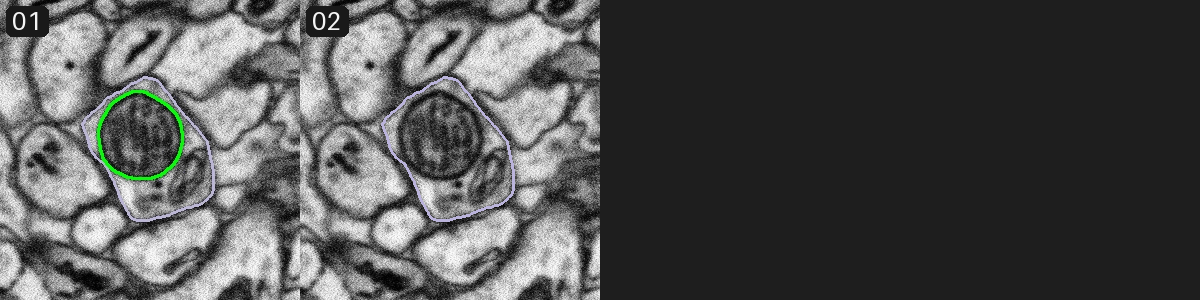
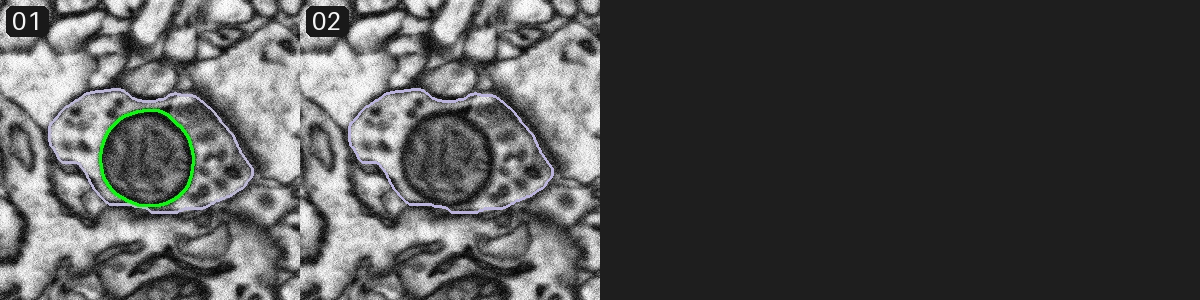
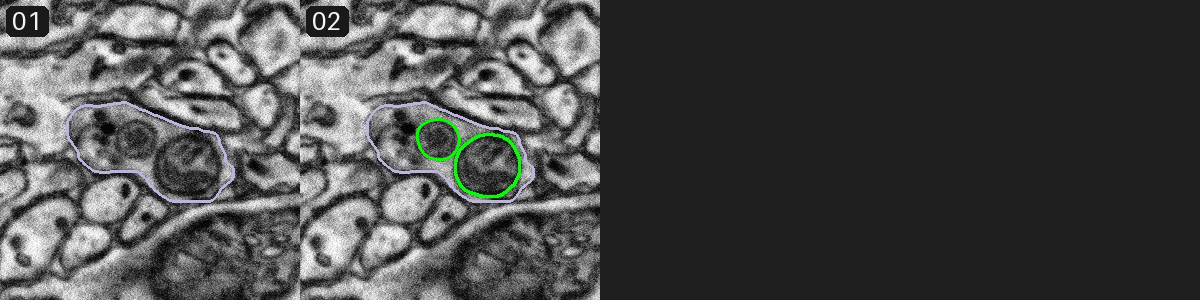
Mitochondria are generally **round or slightly oval** shaped structures. They have **dark outlines with paler centers** (but still darker than the outside).

Some mitochondria are very large, and some smaller; some are elongated, and some are rounder. For the bigger mitochondria, you will be able to see some stripy features inside (called cristae). In smaller ones, they will appear more fuzzy.

## Example of mitochondria ##
Here are some examples of mitochondria. These images have not been rescaled or reorientated.
## Example of mitochondrion in 3D ##
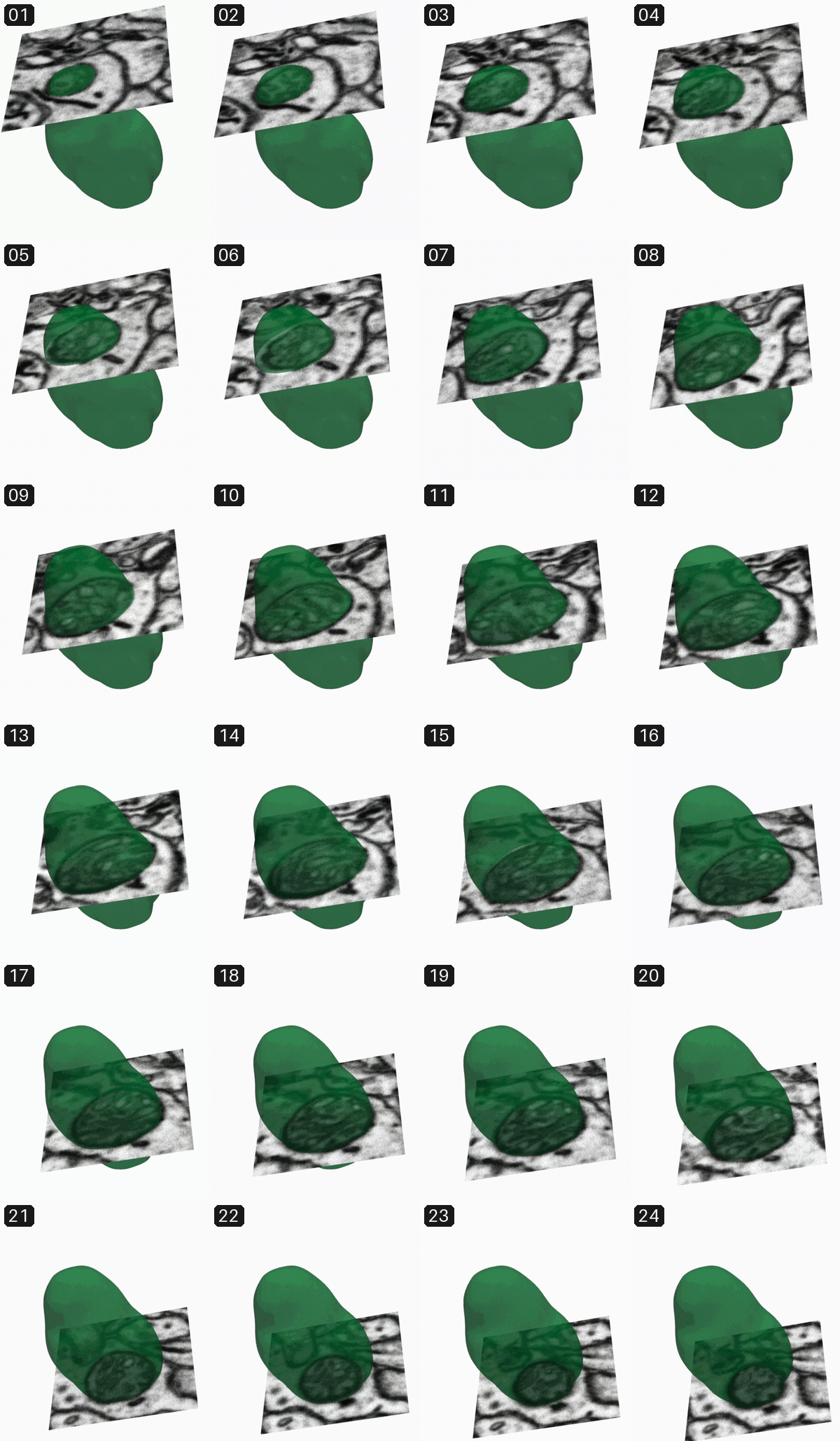
For each image, you are looking at the 2D projection of a 3D volume. As a result, the size that the same mitochondrion appears on different images can be varying, depending on which plane the image is taken. Here's what it looks like in 3D:
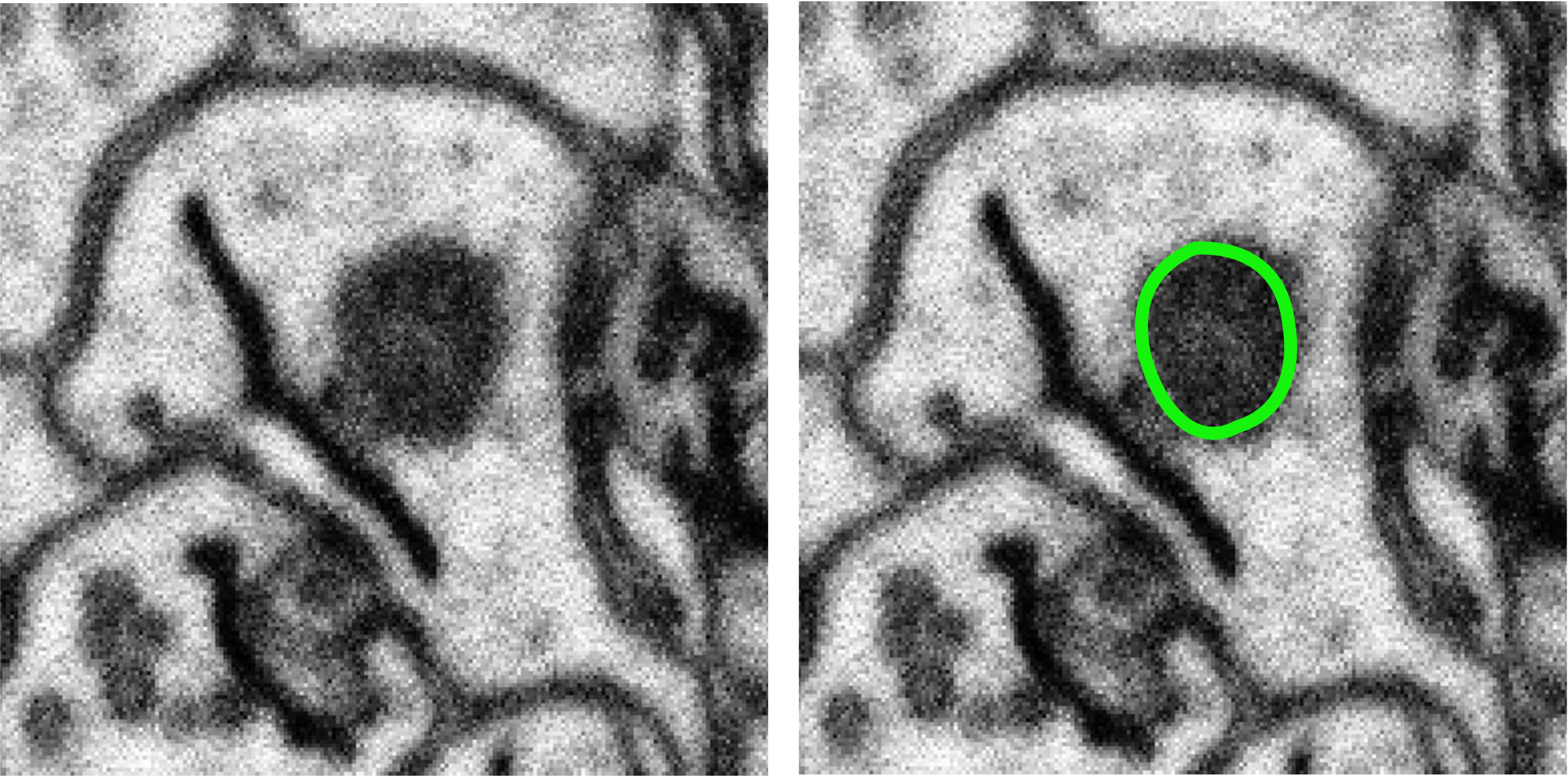
This mitochondrion looks like this on the first slice:
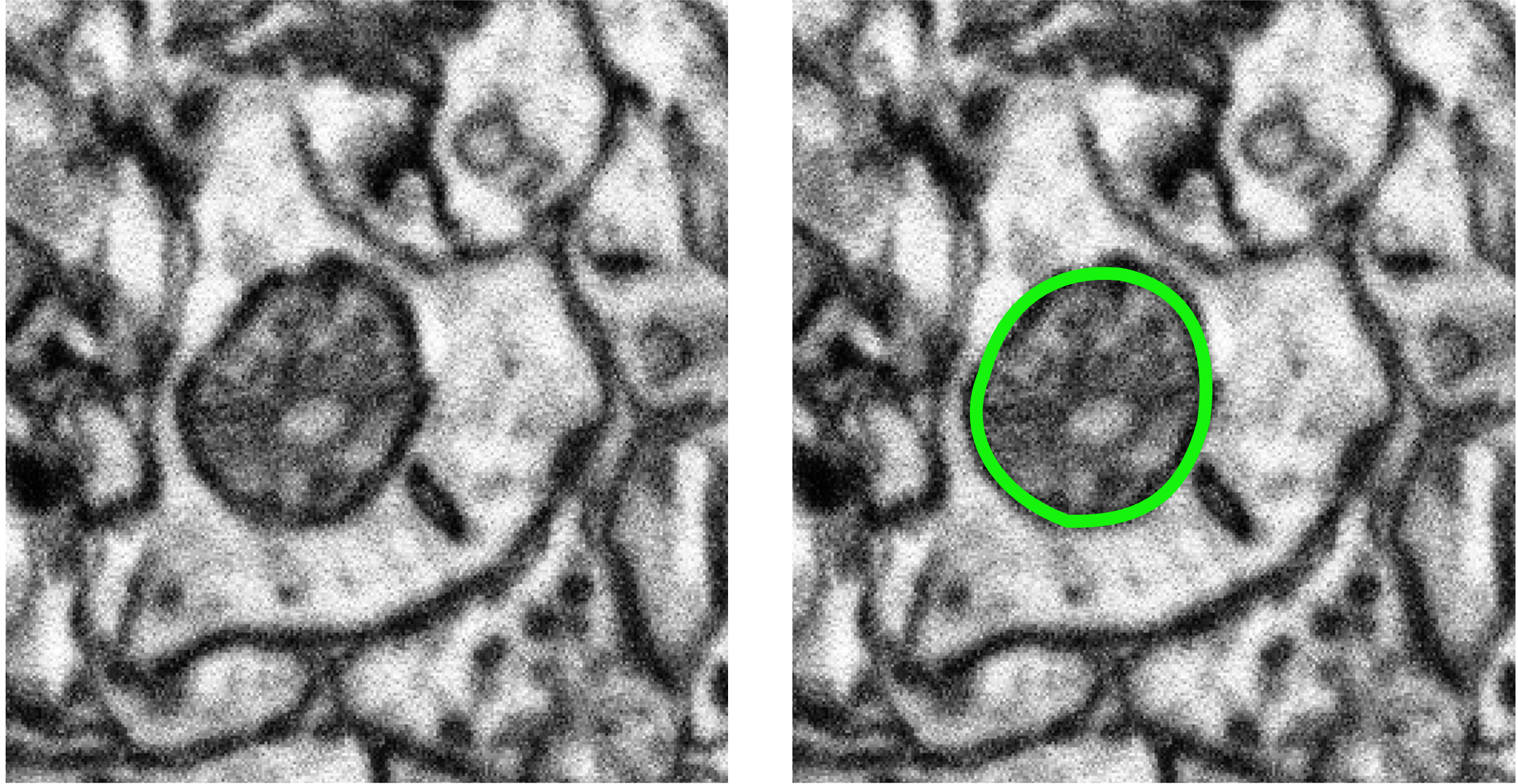
... but it looks like this on one of the middle slices:
Both should be identified as mitochondria if you see them in the task!

## Examples of mitochondria in subjects
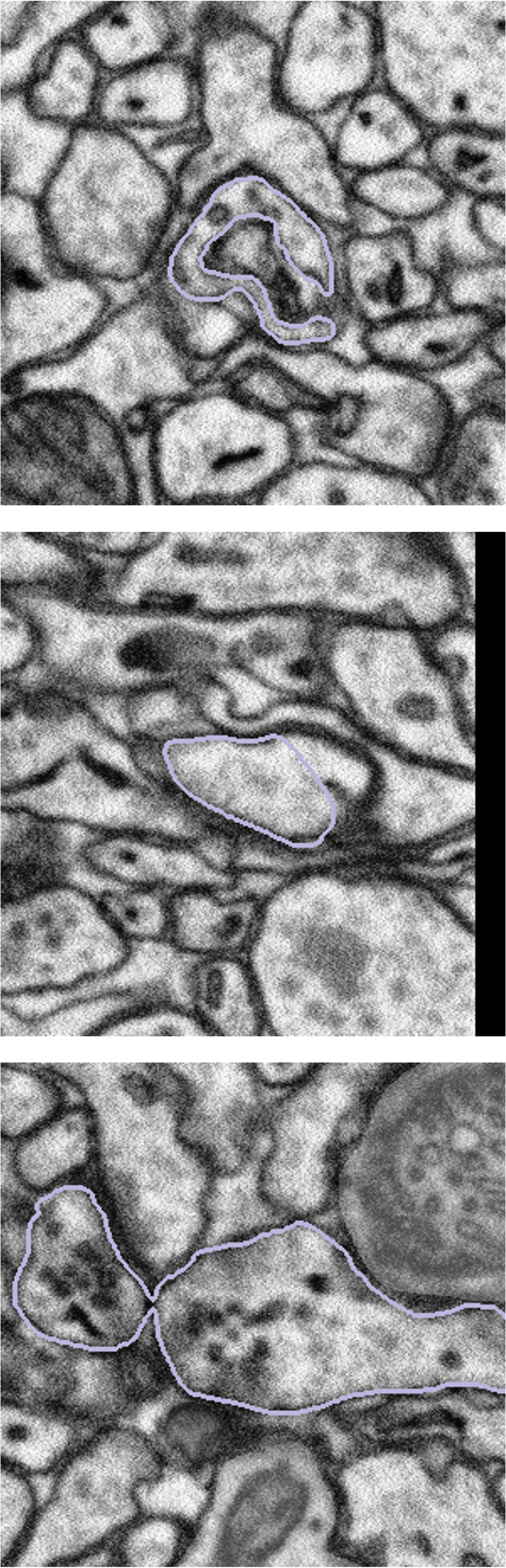
You may notice that the bouton outlines look strange sometimes.

Synaptic boutons are complex 3D structures. Our experts traced all the boutons in 3D when segmenting them. When viewing from a 2D plane, depending on the angle and position of the plane, they may look weird.

You might also see two connected boutons on one subject. This is because after tracing the boutons, our experts applied a filter that marks pixels as either 'bouton' or 'not bouton', which eventually gave us the purple outlines (the boundary between these two regions). This process may connect boutons next to each other, but it won't affect our analysis, since we're studying all the boutons together.

So, if you see something like the images below, don't worry! They are not wrong. Please still look at the **entire region** inside the **purple outline** for the task!
For this benchmark, use the supplied image with its purple bouton outlines. Return complete final mitochondrial outlines. The original workflow involved editing preloaded green machine outlines; this version asks you to draw the final outlines directly and does not display those machine predictions.
System and task instructions
System instruction
Task instruction
Outline every mitochondrion inside the purple bouton outlines. Include all outlined bouton regions and exclude mitochondria outside them.

Return the complete final outlines as separate closed polygons, one per visible object. Use pixel coordinates: x=0 at the left edge, x=300 at the right edge, y=0 at the top, and y=300 at the bottom. List each polygon's points in boundary order; the last point is joined to the first. Do not join separate objects. If there are no target objects, return an empty contours array.