## Welcome to Synaptic Protein Zoo!
Thank you for taking the time to help us.

First, let's take a look at the kind of image that we are working with.
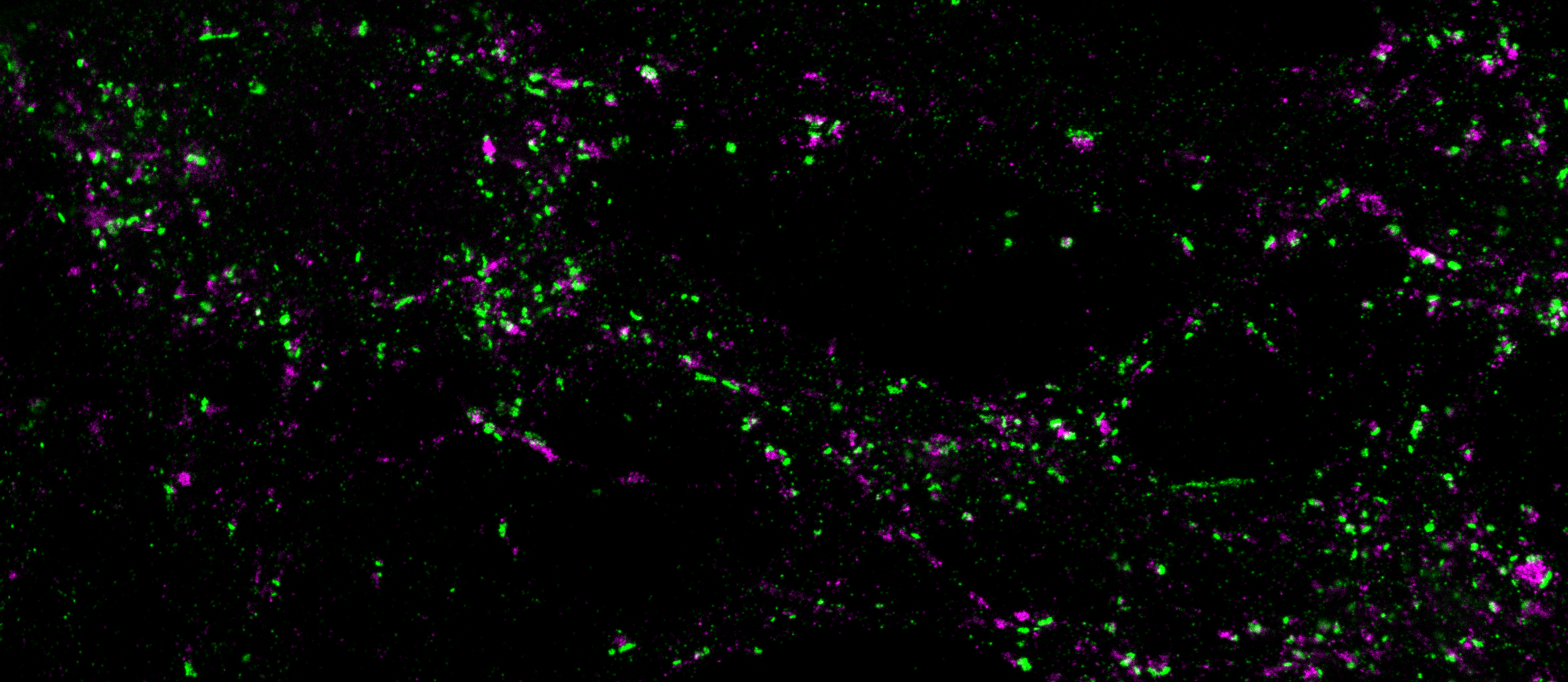
This is an image taken with a super-resolution microscope of neurons in which synaptic proteins are visible. This image is composed of hundreds of synaptic protein **clusters**. These clusters can take many different shapes, which we want to learn to differentiate:
With your input, we will be able to train our algorithms using the acquired data from volunteers to accomplish this task automatically! For now, we need your help.

## Classification Workflow

In this workflow, we ask you to classify the displayed cluster in one of a few categories based on its shape. Then, a secondary task is presented based on the given classification.

We want to characterize the interaction between **pre-synaptic** clusters and **post-synaptic** clusters, represented in either **green** or **magenta**.
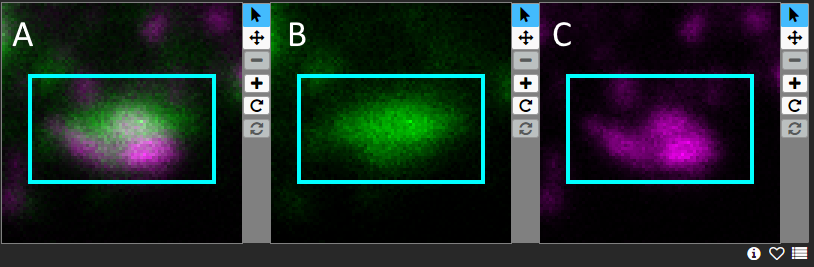
Three images are shown: a combination of both colors (**A**), green only (**B**) and magenta only (**C**).

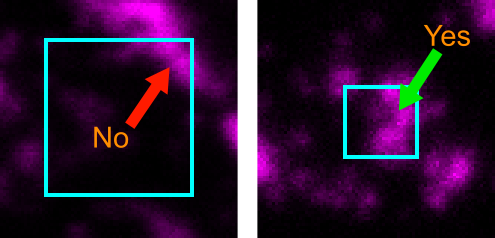
We ask you to perform the tasks on the cluster in both color images, starting with green and followed by magenta. When asked to draw annotations, please draw on the image corresponding to the current color of interest. Only consider clusters that are roughly at least 75% inside the cyan box:
## Categories of clusters
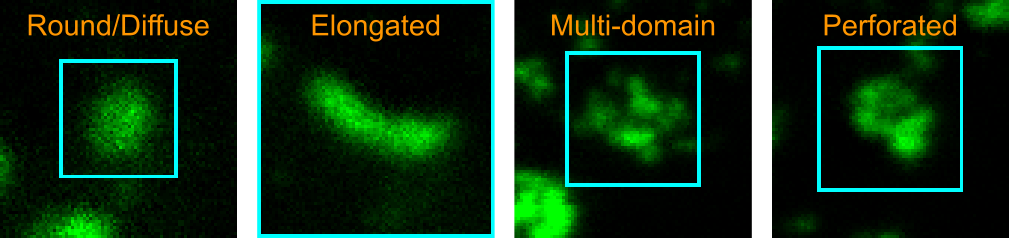
First, we ask you to classify the displayed cluster within the blue box in one of a few categories based on its shape. Here are examples for each of the categories:

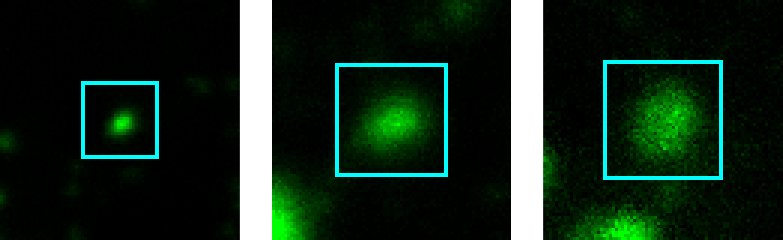
**Round/Diffuse**
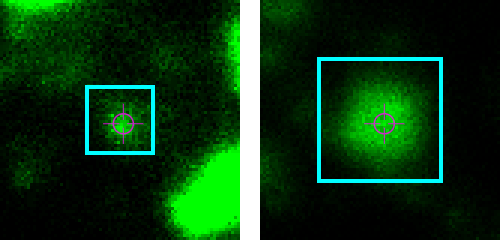
These clusters have a vaguely round or blobby shape. They are not necessarily perfect circles. They can be big or small, and look either well defined or diffuse, meaning blurry.

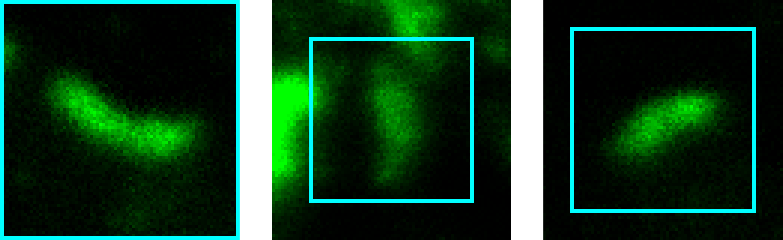
**Elongated**
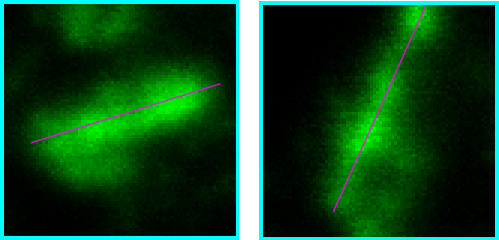
These clusters look stretched or are shaped like a line.

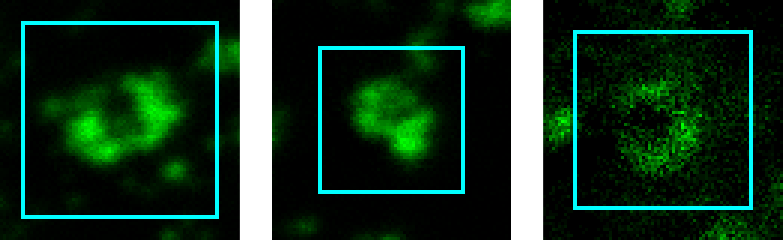
**Perforated**
These clusters look like they have a hole in the middle, like a doughnut. Sometimes the ring shape isn't complete and they look more like a U.

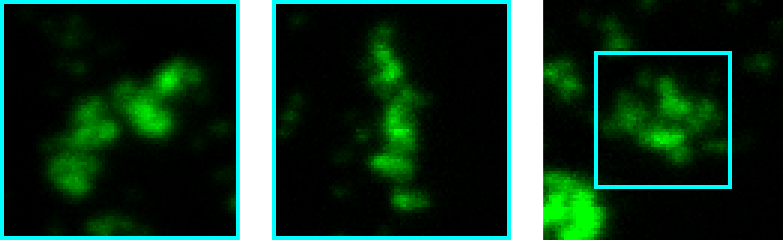
**Multi-domain**
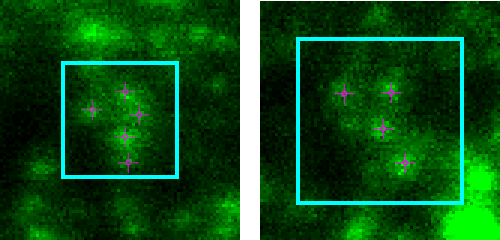
These clusters have visible little "sub-clusters" which we will call **domains** within them.

It is possible that certain clusters don't really fit in any of these categories. In this case, we will place them in a heterogeneous "other" category.

## Secondary tasks

A second task is associated with each of the cluster categories. Please perform this task only on clusters **within the blue box**.

For the **round** and the **perforated** categories, mark the center of the cluster or the hole in its center, respectively:
For the **elongated** category, mark the orientation of the cluster using a line:
For **multi-domain** clusters, we are interested in detecting the domains within the clusters. Therefore, we need volunteers to mark each of the visible "sub-clusters" within the cluster:
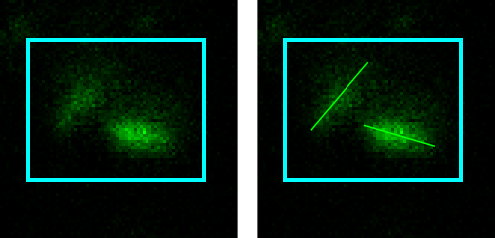
Sometimes, the domains appear elongated. In this case, you may use the Line tool to mark the orientation of these domains, as if they were linear:
System and task instructions
System instruction
Task instruction
Complete the workflow described in the tutorial for this subject. Return drawing coordinates in the corresponding original 240 × 240 single-channel image coordinate system, with the origin at the top-left.